





















Understanding Digital Distractions in a Home Workspace
Common Sources of Digital Distractions
Working from home often means becoming tethered to multiple screens and devices, each offering its own set of interruptions. From constant notifications on phones and computers to the temptation of social media feeds, these distractions can be relentless. For example, Sarah, a graphic designer, found herself frequently pulled away from her tasks by pop-up messages and unsolicited emails, making it difficult to maintain a steady workflow. Even common household devices like smart speakers can interrupt concentration with unexpected alerts or updates.
The Impact on Productivity and Mental Health
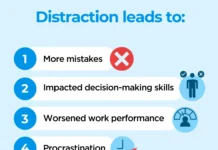
The effects of these distractions go beyond delayed deadlines. When attention is fractured, it takes longer to complete tasks, leading to extended work hours and increased stress. Jake, a freelance writer, noticed that his anxiety spiked when he couldn’t finish assignments on time because of constant digital interruptions. Over time, this fragmented focus can erode motivation and contribute to burnout, underscoring the critical need to minimize distractions to maintain both productivity and mental well-being.
Setting Up a Distraction-Free Digital Environment
Choosing the Right Tools and Apps
Creating a workspace optimized for focus begins with selecting the right digital tools. Applications that consolidate communication, such as Slack or Microsoft Teams, help reduce the need to switch between platforms constantly. Emily, a project manager, swears by using task management apps like Trello to keep her responsibilities clear and organized. These tools streamline work processes, preventing the chaos of juggling multiple windows and notifications.
Configuring Notifications and Alerts
Notifications are often the biggest culprits of disruption, but configuring them wisely can make a significant difference. Instead of reacting to every ping, consider setting your devices to “Do Not Disturb” during key work periods. Mark, a software developer, sets specific hours where only critical alerts break through, allowing him to immerse fully in coding without interruption. This practice not only preserves concentration but also reduces the anxiety associated with constant digital noise.
Time Management Strategies to Control Digital Interruptions
Implementing the Pomodoro Technique
The Pomodoro Technique, which involves working in focused 25-minute intervals followed by short breaks, has been widely embraced by remote workers like Leah, a marketing consultant. By dedicating these undistracted bursts to one task, she has been able to minimize digital interruptions. These work sprints encourage discipline while the scheduled breaks offer permission to check messages or social media, balancing productivity with necessary digital engagement.
Scheduling Focused Work Blocks
Another effective approach is aligning work with personal productivity rhythms. Tom, an accountant, discovered that he peaks in concentration mid-morning and early evening, so he blocks out those periods exclusively for demanding tasks. During these blocks, he treats screen time like a regular appointment with set limits, shutting down email and messaging apps. This strategy reinforces intentional work time, keeping distractions at bay and output high.
Creating Personal Boundaries for Digital Discipline
Designating Specific Work Zones
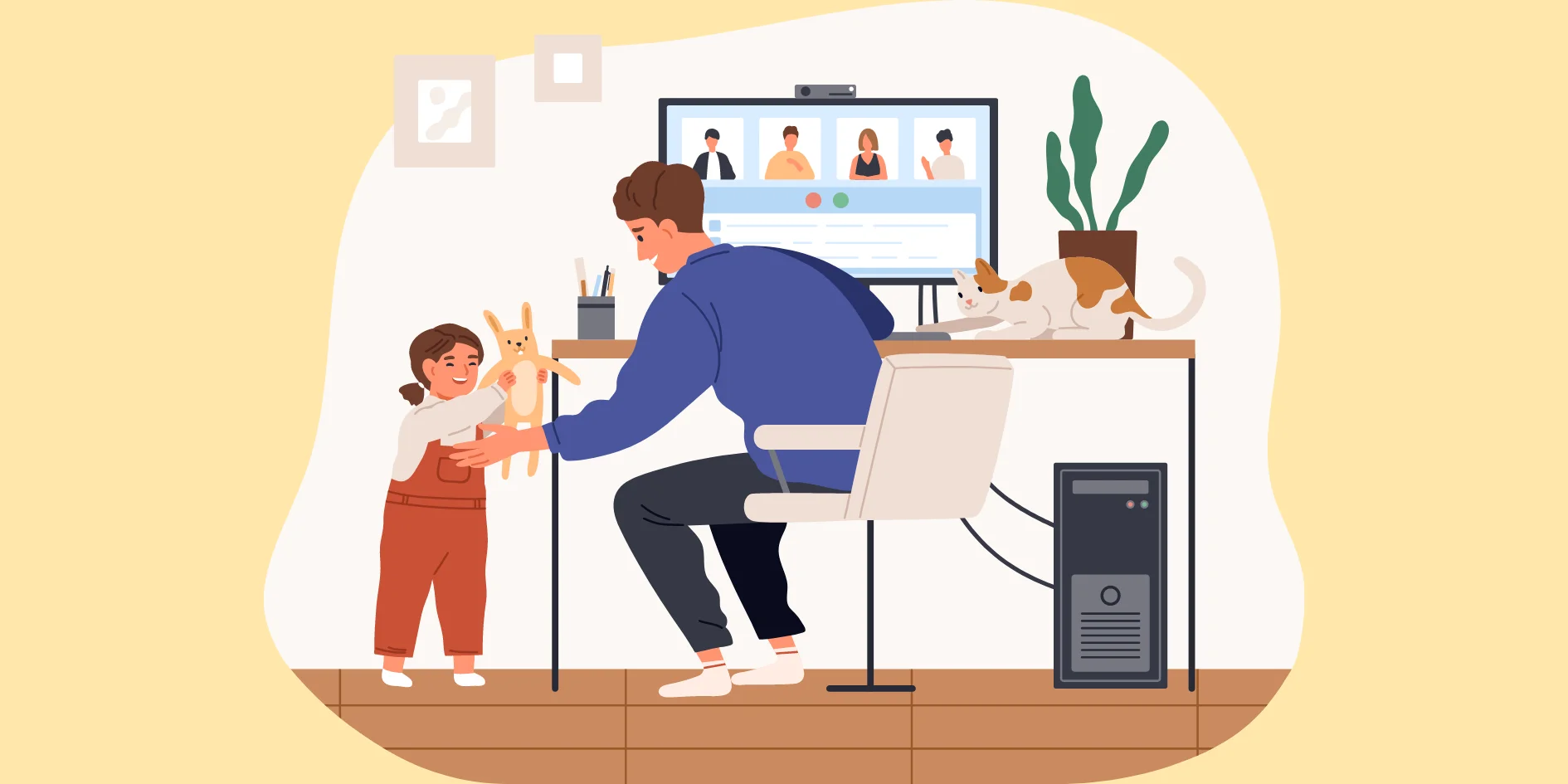
Establishing a dedicated workspace signals to both your mind and household that work is in progress. Anna, who works remotely as an educator, designated a small corner of her apartment solely for work activities. This physical separation has helped her mentally distinguish between professional tasks and personal time, reducing the temptation to check non-essential digital devices. A defined work zone also limits crossover distractions like family interruptions or household chores.
Communicating Availability to Family and Colleagues
Clear communication about availability is crucial when managing digital distractions. Miguel, a customer support specialist, updates his status on team communication platforms to reflect his focus time and encourages his family to respect those boundaries. He also schedules five-minute social media check-ins each hour to remain connected without compromising work flow. This transparency helps set expectations, minimizing interruptions from both digital and real-world sources.
Leveraging Technology for Better Focus
Using Website Blockers and Productivity Apps
Technology, when used intentionally, can be an ally in maintaining focus. Website blockers like Freedom or StayFocusd prevent access to distracting sites during work hours. Jessica, a freelance researcher, credits these tools for helping her resist the urge to browse social media endlessly. Pairing blockers with productivity apps that track time spent on tasks provides insight into habits and encourages self-discipline.
Automation and Streamlining Digital Tasks
Automating routine digital tasks reduces the cognitive load and frees up attention for critical projects. For instance, David, a small business owner, automates email responses and social media posting to avoid constant manual intervention. Streamlining processes through tools like Zapier reduces the number of app switches, minimizing opportunities for distractions to creep into his workday.
Behavioral Techniques to Strengthen Concentration
Mindfulness Practices During Work Hours
Incorporating mindfulness into the work routine can strengthen focus and reduce stress. Laura, a remote legal consultant, practices brief breathing exercises before tackling intense work blocks. This mental reset helps her remain present, making it easier to resist the impulse to check her phone or succumb to digital noise. Bringing awareness to distractions as they arise allows for gentle refocusing without frustration.
Regular Digital Detox Breaks
Rather than trying to eliminate digital distractions entirely, taking regular detox breaks can restore balance. Raj, a software engineer, sets aside five minutes every hour to catch up on social media or step away from screens entirely. These intentional pauses recharge his mental energy and prevent burnout. By structuring these breaks, he maintains control over digital habits instead of being controlled by them.